> ## Documentation Index
> Fetch the complete documentation index at: https://docs.aseeflow.org/llms.txt
> Use this file to discover all available pages before exploring further.
# DMN Decision Table Input
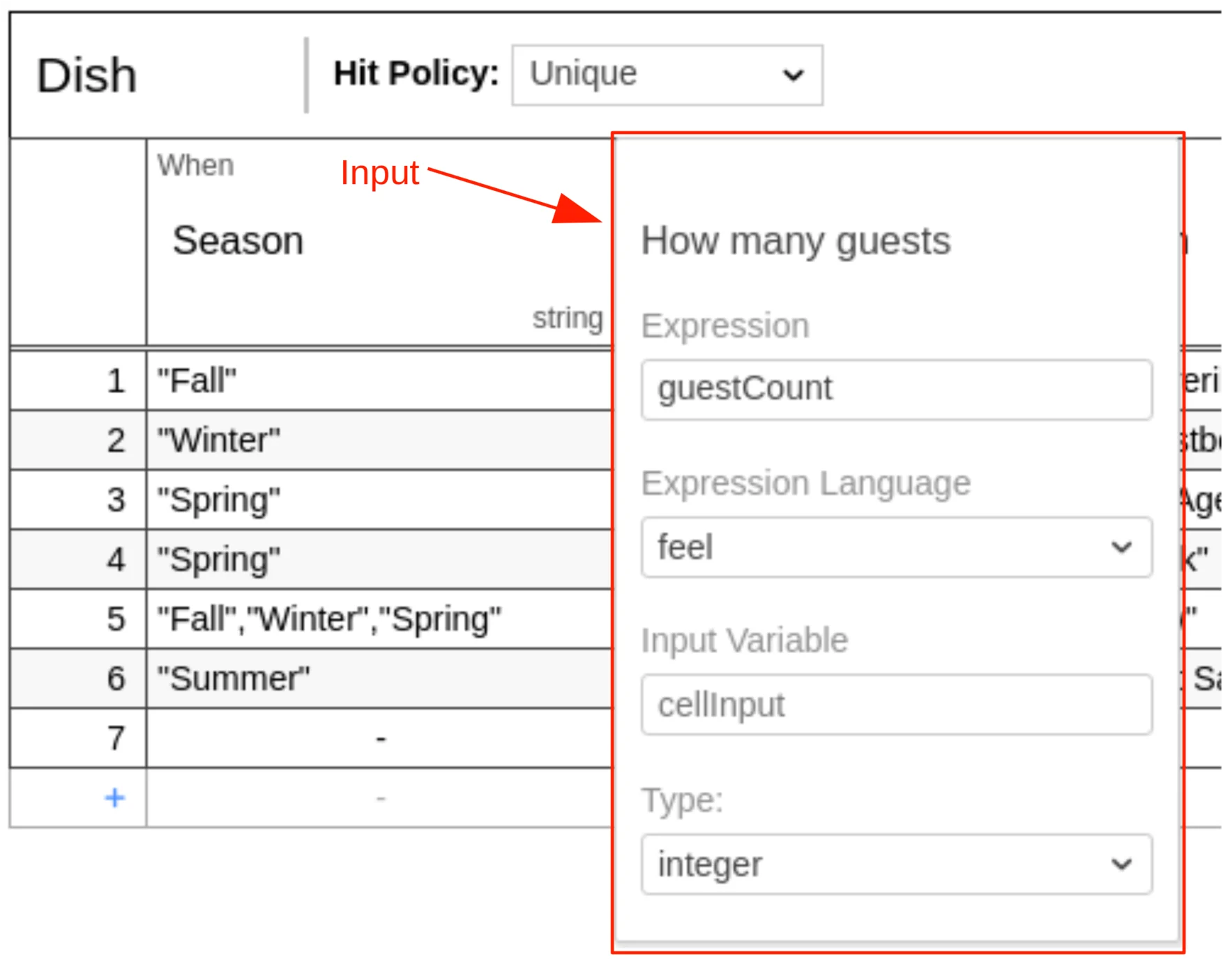
A decision table can have one or more inputs, also called input clauses. An
input clause defines the id, label, expression and type of a decision table
input.
An input can be edited by double-clicking on the
respective colum header in the decision table.
An input clause is represented by an `input` element inside a `decisionTable`
XML element.
```xml theme={null}
season
```
## Input Id
The input id is a unique identifier of the decision table input. It is used by
ASEE Flow to reference the input in the history of evaluated
decisions. Therefore, it is required by the ASEE Flow DMN engine. It is set as
the `id` attribute of the `input` XML element.
```xml theme={null}
season
```
## Input Label
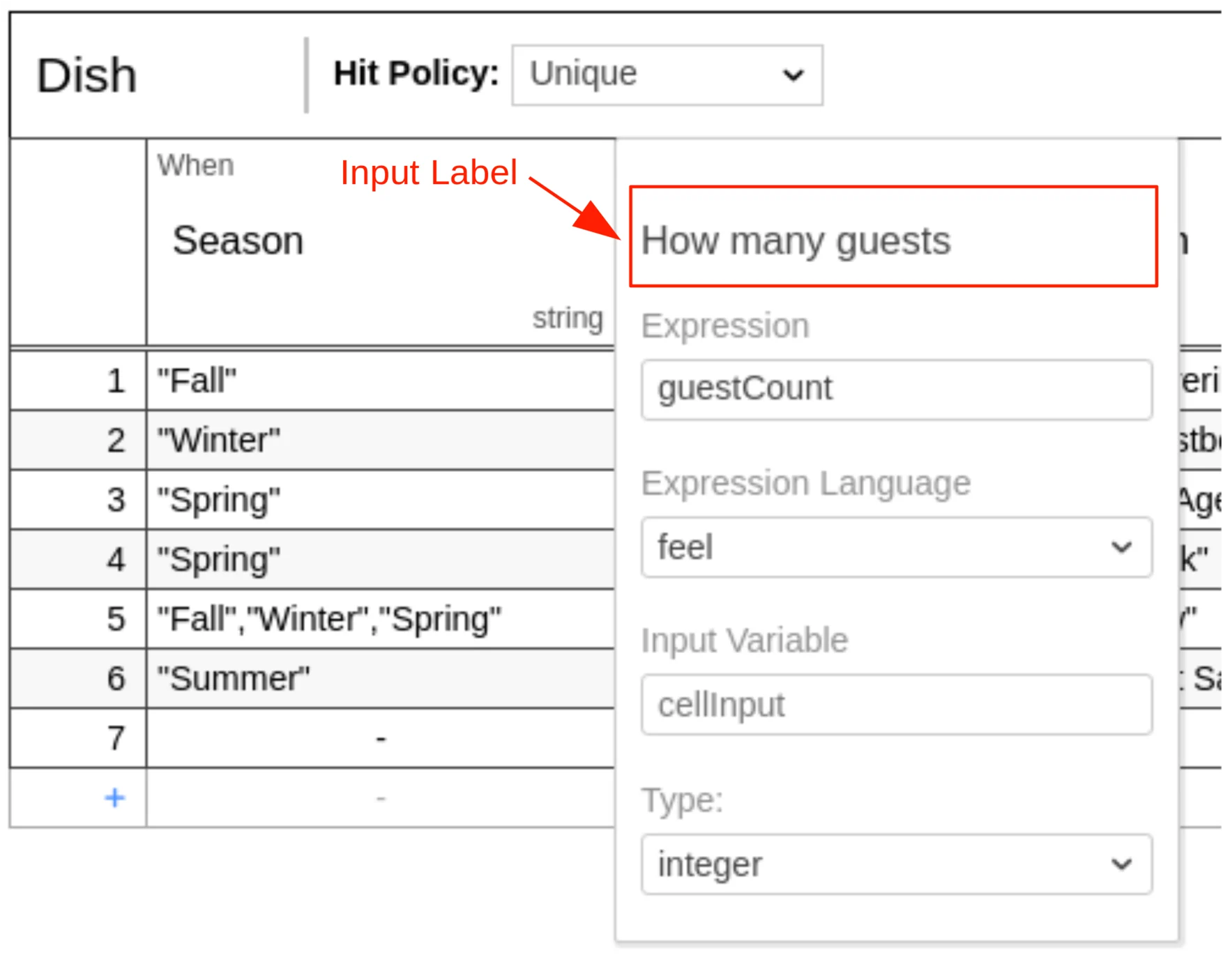
An input label is a short description of the input. It is set on the `input`
XML element in the `label` attribute. Note that the label is not required but
recommended, since it helps to understand the decision.
```xml theme={null}
season
```
## Input Expression
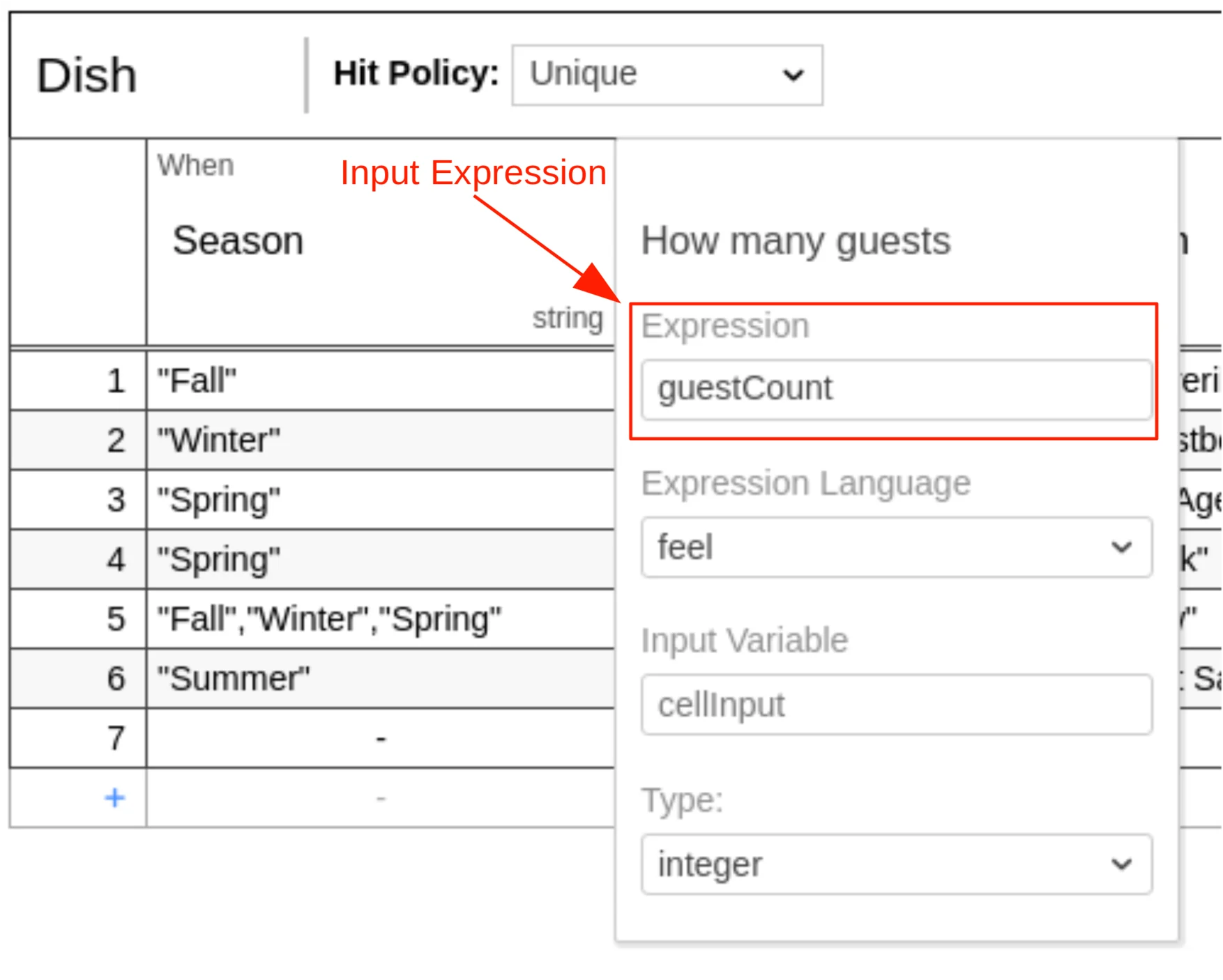
An input expression specifies how the value of the input clause is generated.
It is an expression which will be evaluated by the DMN engine. It is usually
simple and references a variable which is available during the evaluation. The
expression is set inside a `text` element that is a child of the
`inputExpression` XML element.
```xml theme={null}
season
```
## Input Type Definition
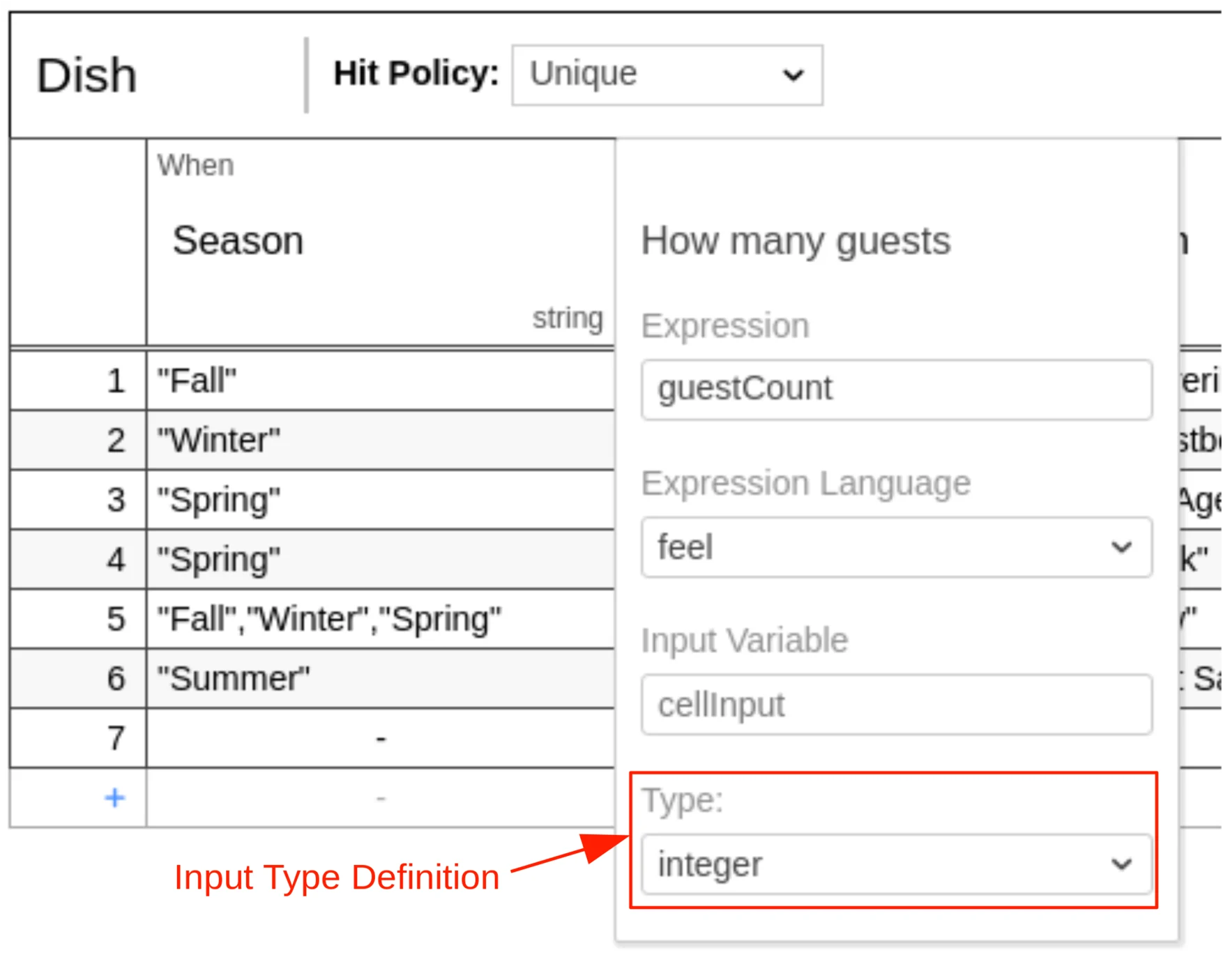
The type of the input clause can be specified by the `typeRef` attribute on the
`inputExpression` XML element. After the input expression is evaluated by the
DMN engine, it converts the result to the specified type. The supported types
are listed in the [User Guide][supported DT].
```xml theme={null}
season
```
Note that the type is not required but recommended, since it helps to understand
the possible input values and provides a type safety to be aware of unexpected
input values.
## Input Expression Language
The expression language of the input expression can be specified by the
`expressionLanguage` attribute on the `inputExpression` XML element. The
supported expression languages are listed in the [User Guide][supported EL].
```xml theme={null}
season
```
If no expression language is set then the global expression
language, which is set on the `definitions` XML element, is used.
```xml theme={null}
```
In case no global expression language is set, the default expression language
is used instead. The default expression language for input expressions is FEEL.
Please refer to the [User Guide][default EL] to read more about expression
languages.
## Input Variable Name
When the input expression is evaluated then the return value is stored in a variable.
The name of the variable can be specified by the `camunda:inputVariable`
[extension attribute][inputVariable] on the `input` element. By default, the
name is `cellInput`.
To use the attribute you have to define the ASEE Flow DMN namespace
`xmlns:camunda="http://camunda.org/schema/1.0/dmn` in the XML.
```xml theme={null}
```
The variable can be used in an expression of an [input entry]. For example, the
FEEL expression `currentSeason != "Fall"` checks if the season input is not
`"Fall"`.
[supported EL]: /user-guide/dmn-engine/expressions-and-scripts#supported-expression-languages
[default EL]: /user-guide/dmn-engine/expressions-and-scripts#default-expression-languages
[supported DT]: /user-guide/dmn-engine/data-types#supported-data-types
[inputVariable]: /reference/dmn/custom-extensions/camunda-attributes#inputvariable
[input entry]: /reference/dmn/decision-table/rule#input-entry-condition
 A decision table can have one or more inputs, also called input clauses. An
input clause defines the id, label, expression and type of a decision table
input.
An input can be edited by double-clicking on the
respective colum header in the decision table.
An input clause is represented by an `input` element inside a `decisionTable`
XML element.
```xml theme={null}
A decision table can have one or more inputs, also called input clauses. An
input clause defines the id, label, expression and type of a decision table
input.
An input can be edited by double-clicking on the
respective colum header in the decision table.
An input clause is represented by an `input` element inside a `decisionTable`
XML element.
```xml theme={null}
 An input label is a short description of the input. It is set on the `input`
XML element in the `label` attribute. Note that the label is not required but
recommended, since it helps to understand the decision.
```xml theme={null}
An input label is a short description of the input. It is set on the `input`
XML element in the `label` attribute. Note that the label is not required but
recommended, since it helps to understand the decision.
```xml theme={null}
 An input expression specifies how the value of the input clause is generated.
It is an expression which will be evaluated by the DMN engine. It is usually
simple and references a variable which is available during the evaluation. The
expression is set inside a `text` element that is a child of the
`inputExpression` XML element.
```xml theme={null}
An input expression specifies how the value of the input clause is generated.
It is an expression which will be evaluated by the DMN engine. It is usually
simple and references a variable which is available during the evaluation. The
expression is set inside a `text` element that is a child of the
`inputExpression` XML element.
```xml theme={null}
 The type of the input clause can be specified by the `typeRef` attribute on the
`inputExpression` XML element. After the input expression is evaluated by the
DMN engine, it converts the result to the specified type. The supported types
are listed in the [User Guide][supported DT].
```xml theme={null}
The type of the input clause can be specified by the `typeRef` attribute on the
`inputExpression` XML element. After the input expression is evaluated by the
DMN engine, it converts the result to the specified type. The supported types
are listed in the [User Guide][supported DT].
```xml theme={null}