> ## Documentation Index
> Fetch the complete documentation index at: https://docs.aseeflow.org/llms.txt
> Use this file to discover all available pages before exploring further.
# DMN Decision Table Output
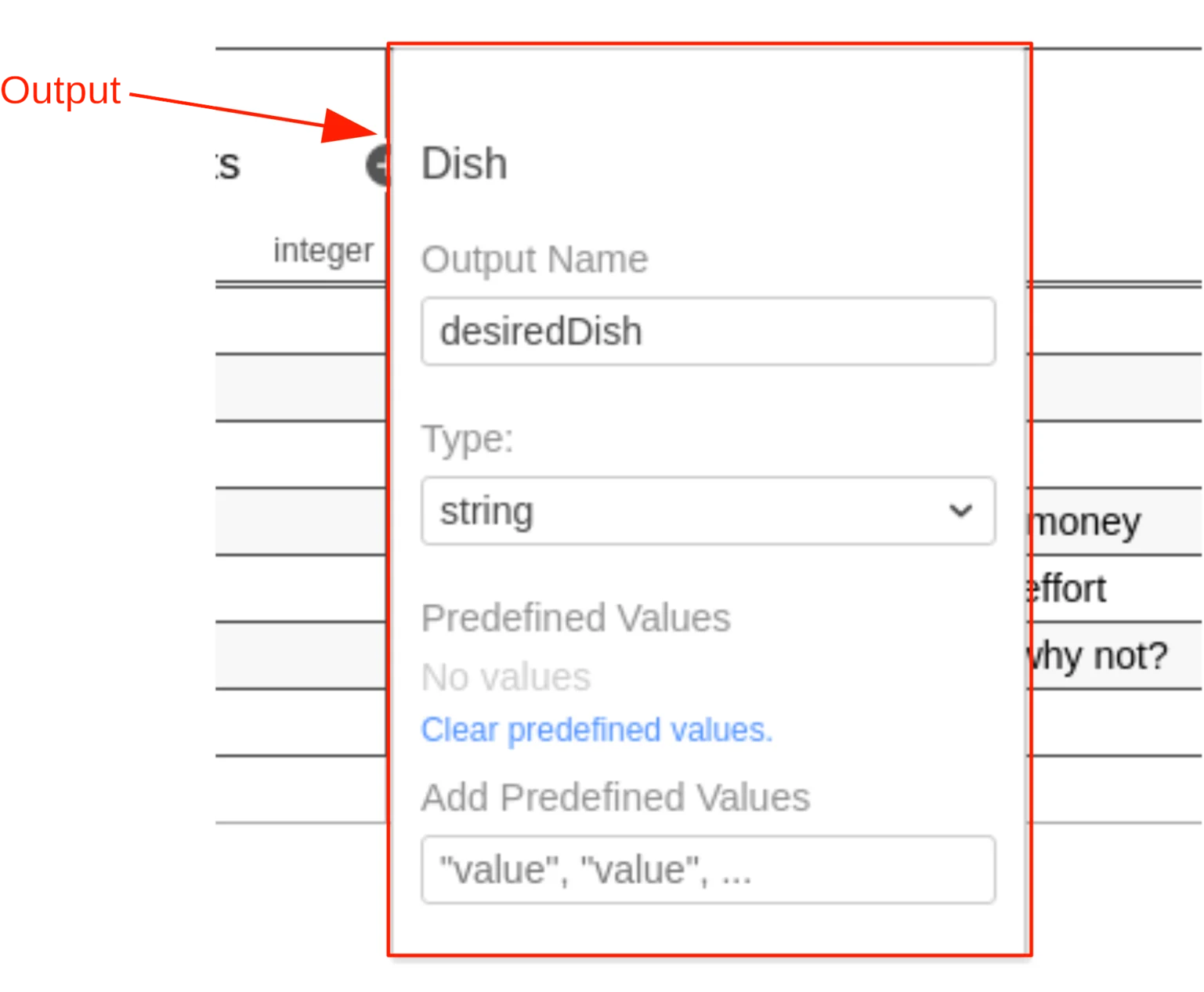 A decision table can have one or more outputs, also called output clauses. An
output clause defines the id, label, name and type of a decision table output.
An output clause is represented by an `output` element inside a `decisionTable`
XML element.
```xml theme={null}
```
## Output Id
The output id is a unique identifier of the decision table output. It is used
by ASEE Flow to reference the output in the history of
evaluated decisions. Therefore, it is required by the ASEE Flow DMN engine. It is
set as the `id` attribute of the `output` XML element.
```xml theme={null}
```
## Output Label
A decision table can have one or more outputs, also called output clauses. An
output clause defines the id, label, name and type of a decision table output.
An output clause is represented by an `output` element inside a `decisionTable`
XML element.
```xml theme={null}
```
## Output Id
The output id is a unique identifier of the decision table output. It is used
by ASEE Flow to reference the output in the history of
evaluated decisions. Therefore, it is required by the ASEE Flow DMN engine. It is
set as the `id` attribute of the `output` XML element.
```xml theme={null}
```
## Output Label
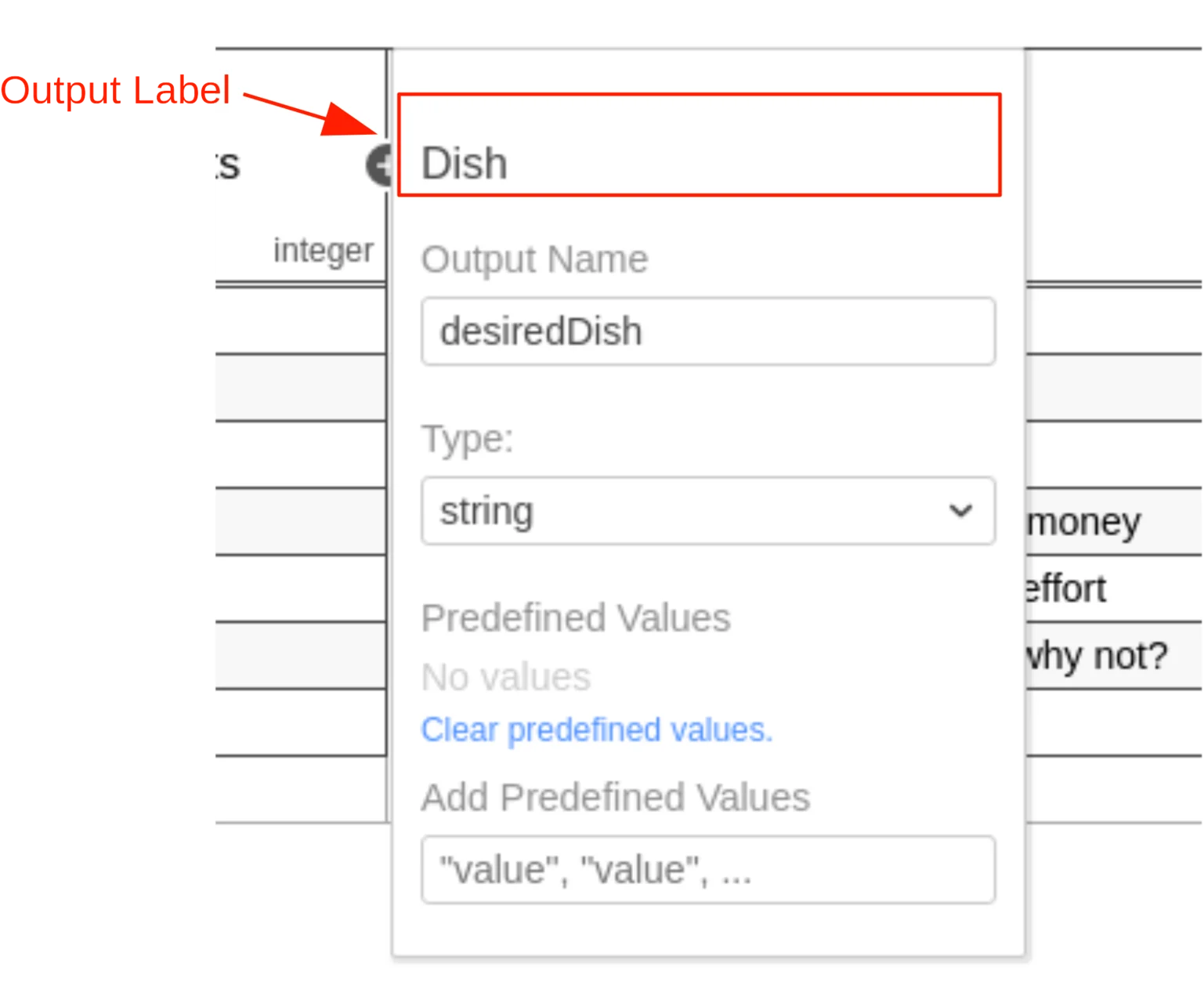 An output label is a short description of the output. It is set on the `output`
XML element in the `label` attribute. Note that the label is not required but
recommended, since it helps to understand the decision.
```xml theme={null}
```
## Output Name
An output label is a short description of the output. It is set on the `output`
XML element in the `label` attribute. Note that the label is not required but
recommended, since it helps to understand the decision.
```xml theme={null}
```
## Output Name
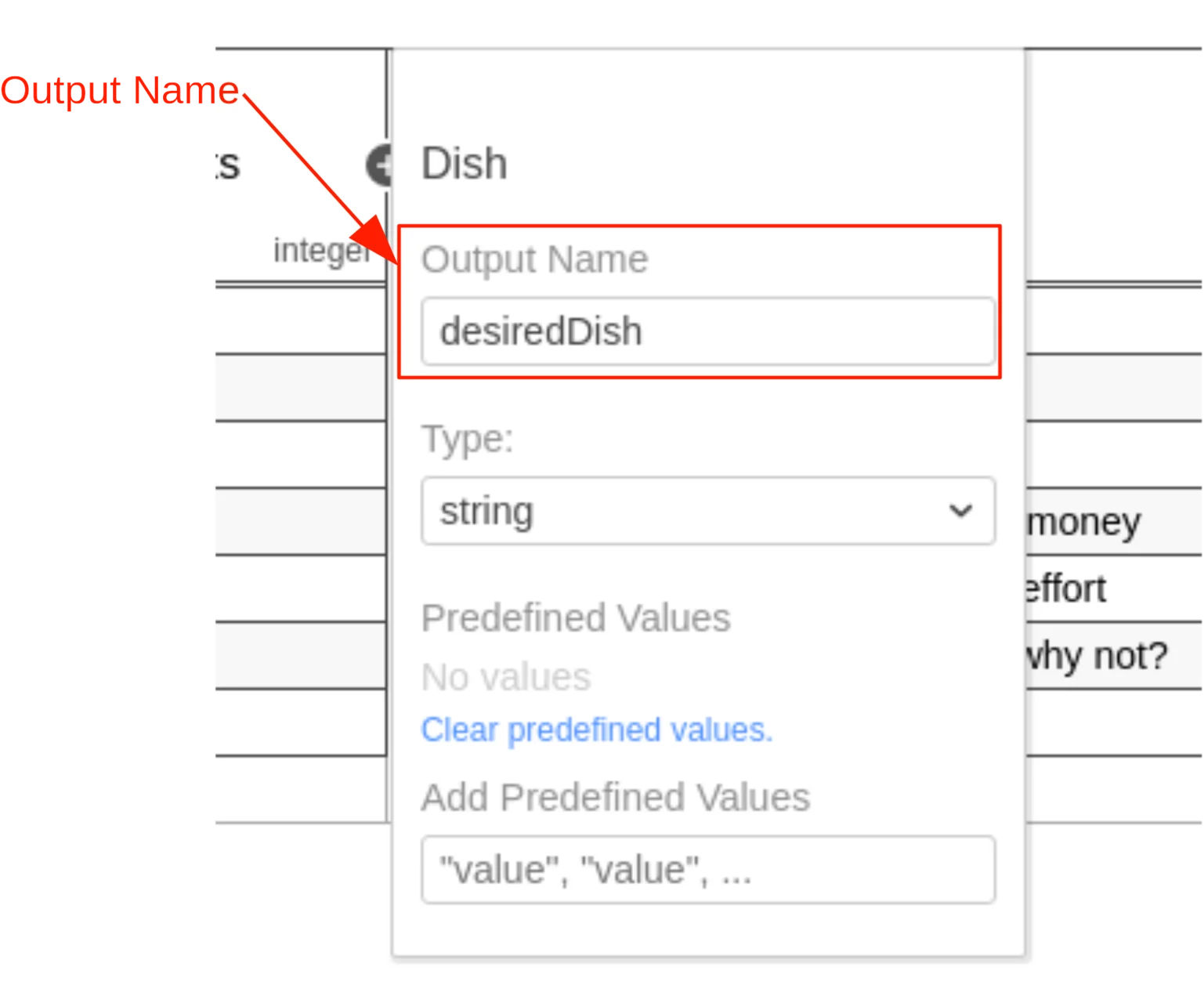 The name of the output is used to reference the value of the output in the
[decision table result]. It is specified by the `name` attribute on the
`output` XML element.
If the decision table has more than one output, then all outputs must have a
unique name.
```xml theme={null}
```
## Output Type Definition
The name of the output is used to reference the value of the output in the
[decision table result]. It is specified by the `name` attribute on the
`output` XML element.
If the decision table has more than one output, then all outputs must have a
unique name.
```xml theme={null}
```
## Output Type Definition
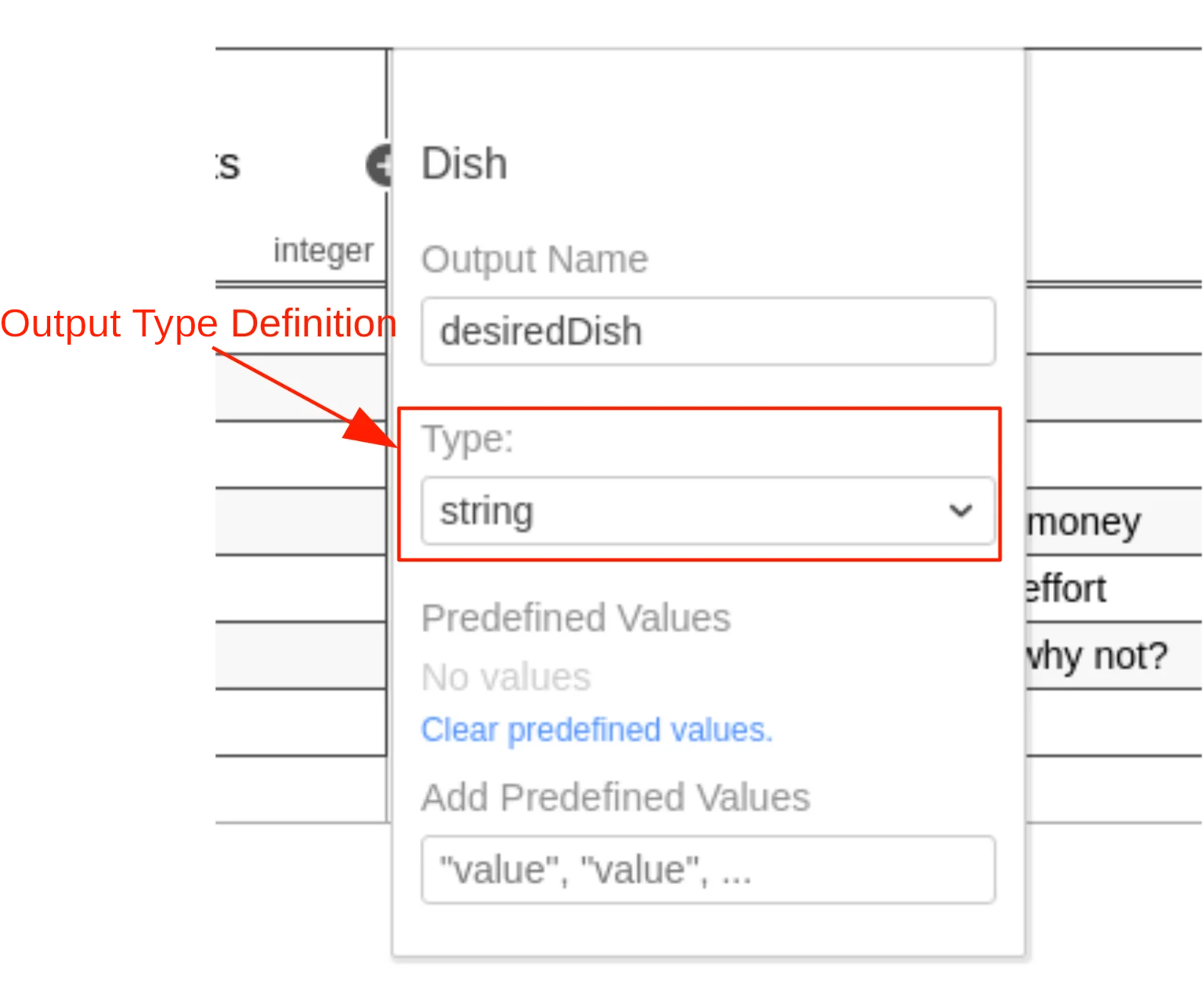 The type of the output clause can be specified by the `typeRef` attribute on the
`output` XML element. After an [output entry] is evaluated by the
DMN engine, it converts the result to the specified type. The supported types
are listed in the [User Guide][supported DT].
```xml theme={null}
```
Note that the type is not required but recommended, since it provides a type
safety of the output values.
Additionally, the type can be used to transform the output value into another
type. For example, transform the output value `80%` of type String into a
Double using a [custom data type](/user-guide/dmn-engine/data-types#implement-a-custom-data-type).
[decision table result]: /user-guide/dmn-engine/evaluate-decisions#interpret-the-dmndecisiontableresult
[supported DT]: /user-guide/dmn-engine/data-types#supported-data-types
[output entry]: /reference/dmn/decision-table/rule#output-entry-conclusion
[custom data type]: /user-guide/dmn-engine/data-types#implement-a-custom-data-type
The type of the output clause can be specified by the `typeRef` attribute on the
`output` XML element. After an [output entry] is evaluated by the
DMN engine, it converts the result to the specified type. The supported types
are listed in the [User Guide][supported DT].
```xml theme={null}
```
Note that the type is not required but recommended, since it provides a type
safety of the output values.
Additionally, the type can be used to transform the output value into another
type. For example, transform the output value `80%` of type String into a
Double using a [custom data type](/user-guide/dmn-engine/data-types#implement-a-custom-data-type).
[decision table result]: /user-guide/dmn-engine/evaluate-decisions#interpret-the-dmndecisiontableresult
[supported DT]: /user-guide/dmn-engine/data-types#supported-data-types
[output entry]: /reference/dmn/decision-table/rule#output-entry-conclusion
[custom data type]: /user-guide/dmn-engine/data-types#implement-a-custom-data-type