

/webadmin with a pre-configured security layer that integrates with the ASEE Flow engine’s Identity Service.
WebAdmin is evolving rapidly. Since 1.0.2 it is released together with ASEE Flow and has the same version number: WebAdmin 1.0.2 belongs to ASEE Flow 1.0.2. Artifacts are available to ASEE Flow customers (see Accessing artifacts).
Why WebAdmin?
Camunda 7 Community Edition reached end of life with its final release, 7.24, on 14 October 2025 — upstream publishes no further releases or security patches. ASEE Flow forks that engine and continues to provide security patches for it. The bundled web apps are a different matter. Cockpit, Tasklist, and Admin are built on AngularJS 1.x, which Google declared end of life in December 2021. Camunda’s own mitigation was to move the apps onto a third-party-maintained AngularJS fork — life support, not modernization. Keeping a large, unsupported front-end framework secure over the long term isn’t practical, so ASEE Flow ships the legacy web apps as-is and invests instead in WebAdmin, a modern React UI that is actively maintained. Use WebAdmin for day-to-day administration. The legacy web apps remain available for compatibility but are not actively maintained.What you get
- A modern React UI served at
/webadmin(the base path is configurable) - Four authentication modes out of the box: Basic, Form, OAuth2, and Keycloak
- A pre-configured security layer wired to the engine’s Identity Service
- An optional Engine REST proxy for same-origin requests and OAuth2 token forwarding
- Swagger UI integration and configurable links to the legacy web apps (Cockpit, Tasklist, Admin)
- Deployment as a Spring Boot JAR or as a WAR for external Tomcat / WildFly
A consistent interface
WebAdmin brings the areas the legacy web apps split across Cockpit, Tasklist, and Admin into a single console. Every area in the left-hand menu — processes, tasks, decisions, variables, incidents, jobs, deployments, batches, and admin — follows the same pattern: a sortable table, basic and advanced filtering, and a focused detail view for the selected item. The screens below show process definitions as an example of that pattern. The same layout and interactions apply across every area — they are an illustration of the experience, not a complete reference of WebAdmin’s features. A sortable table view of the area’s entries: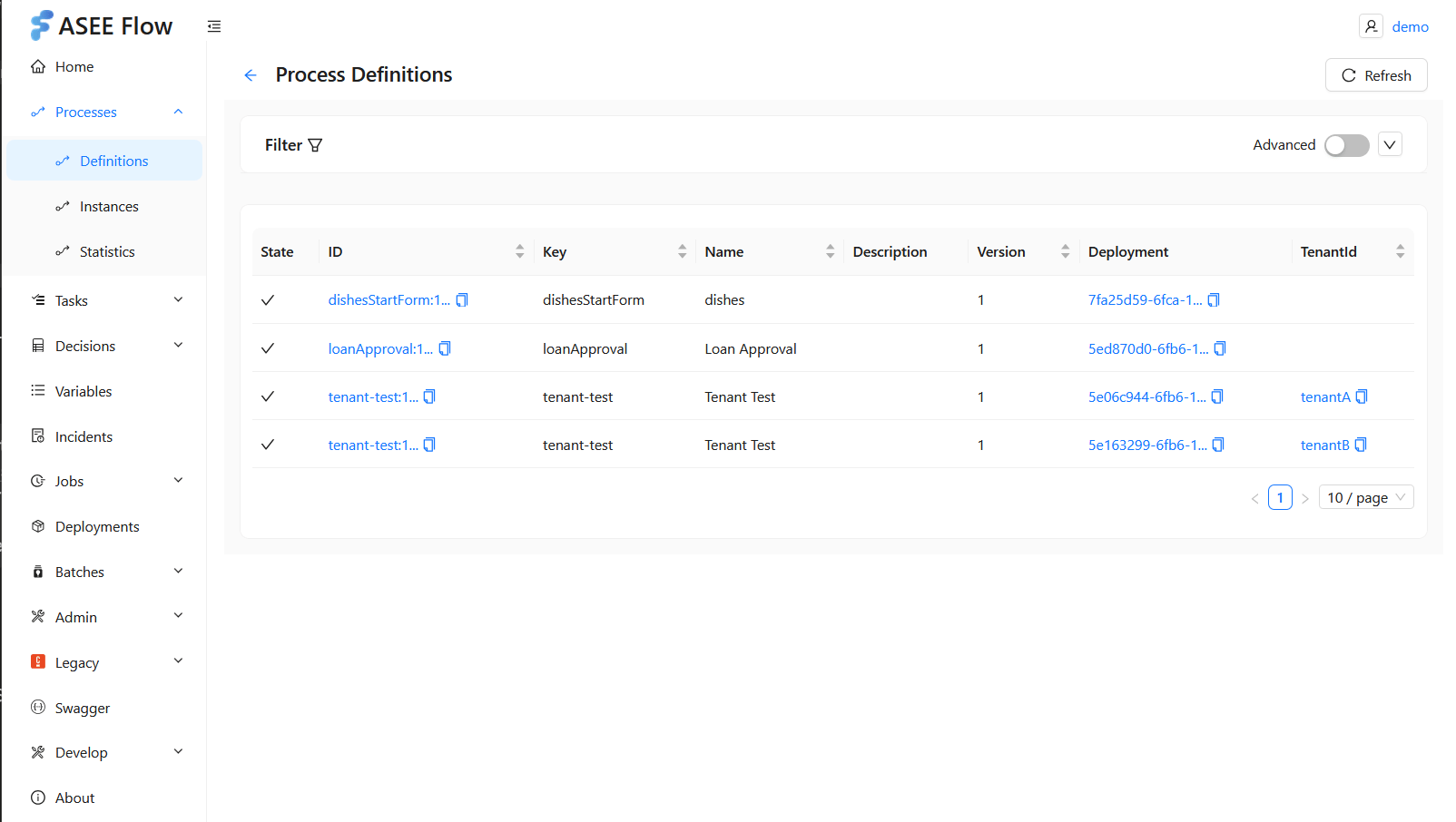
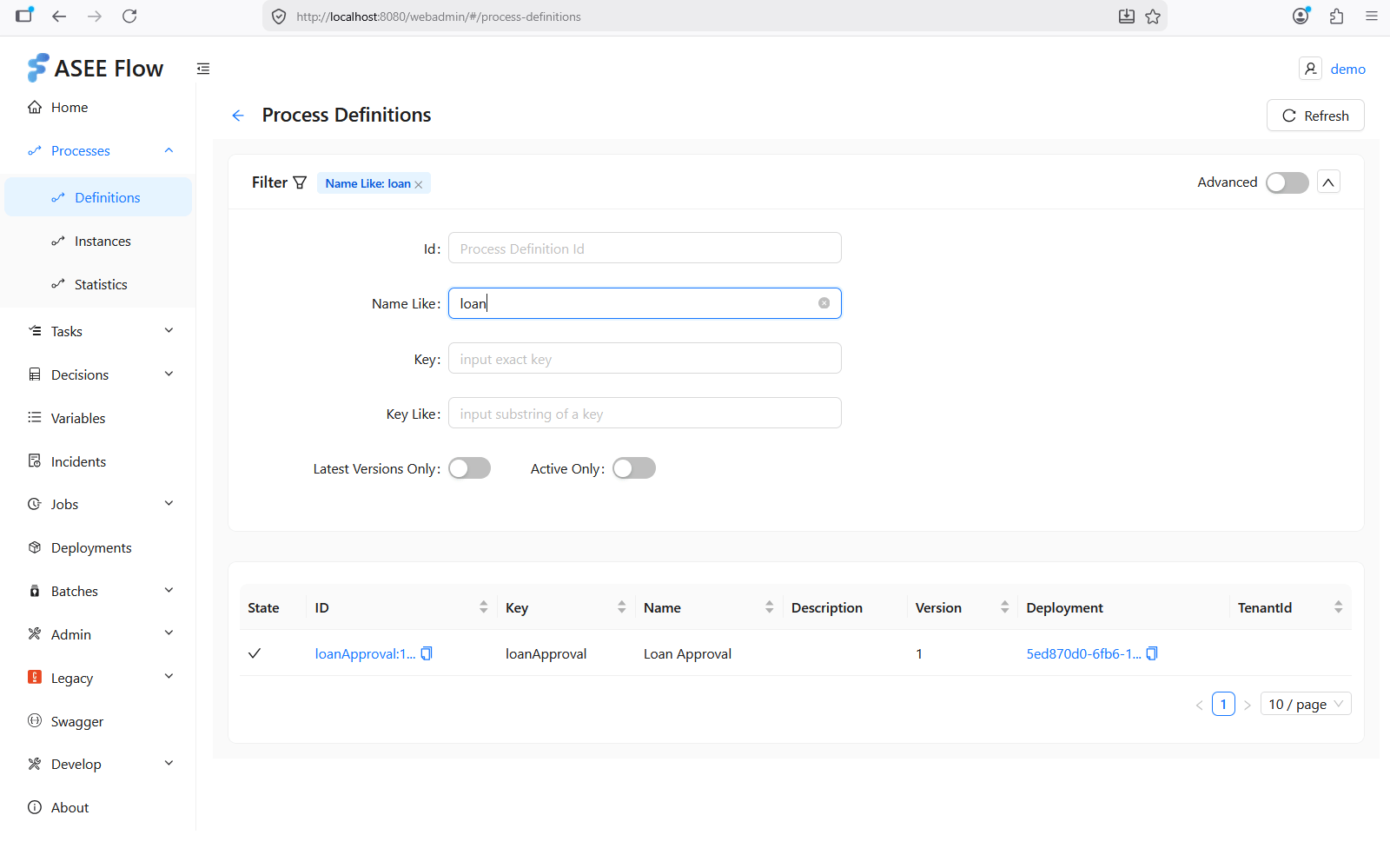
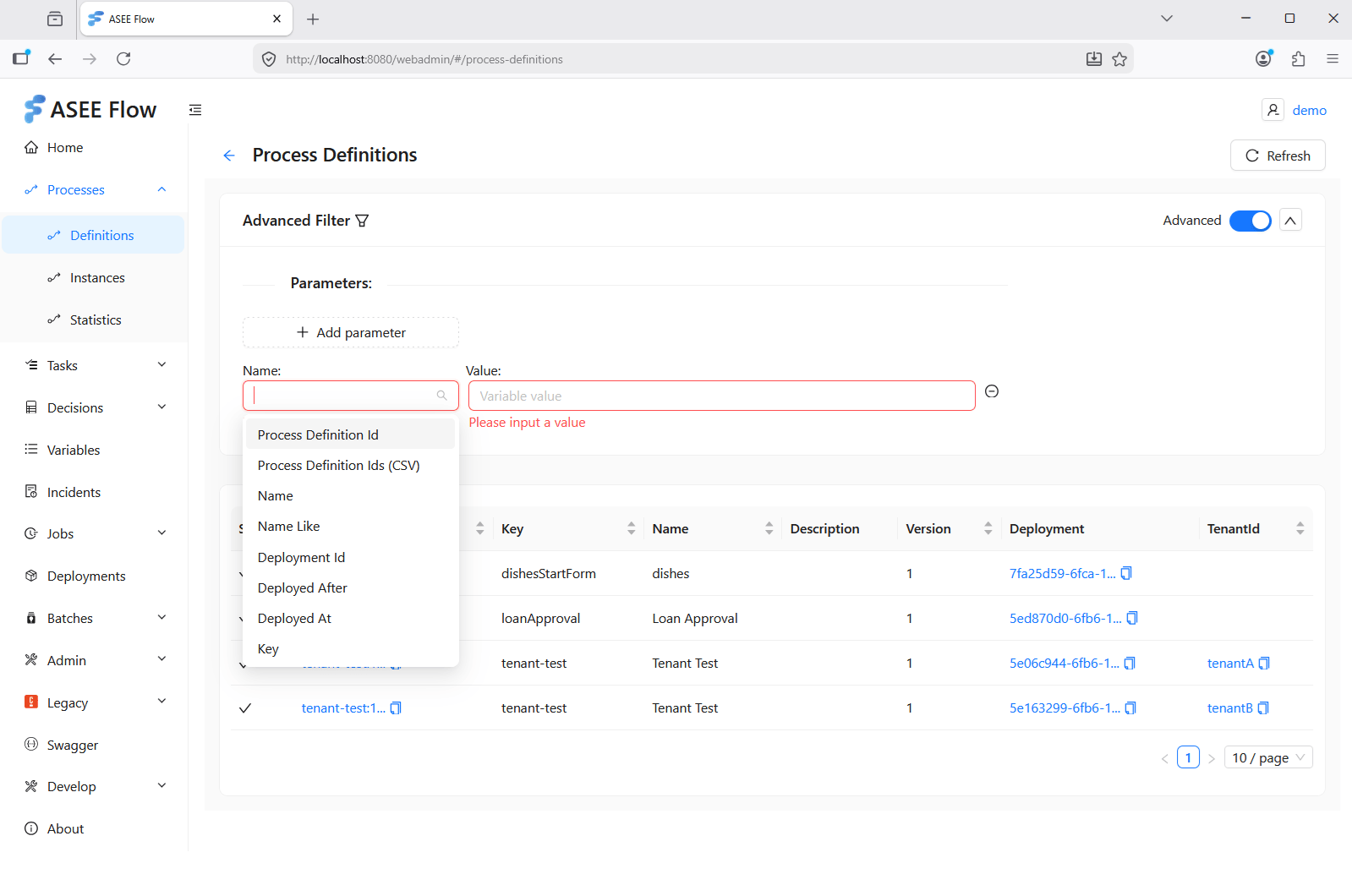
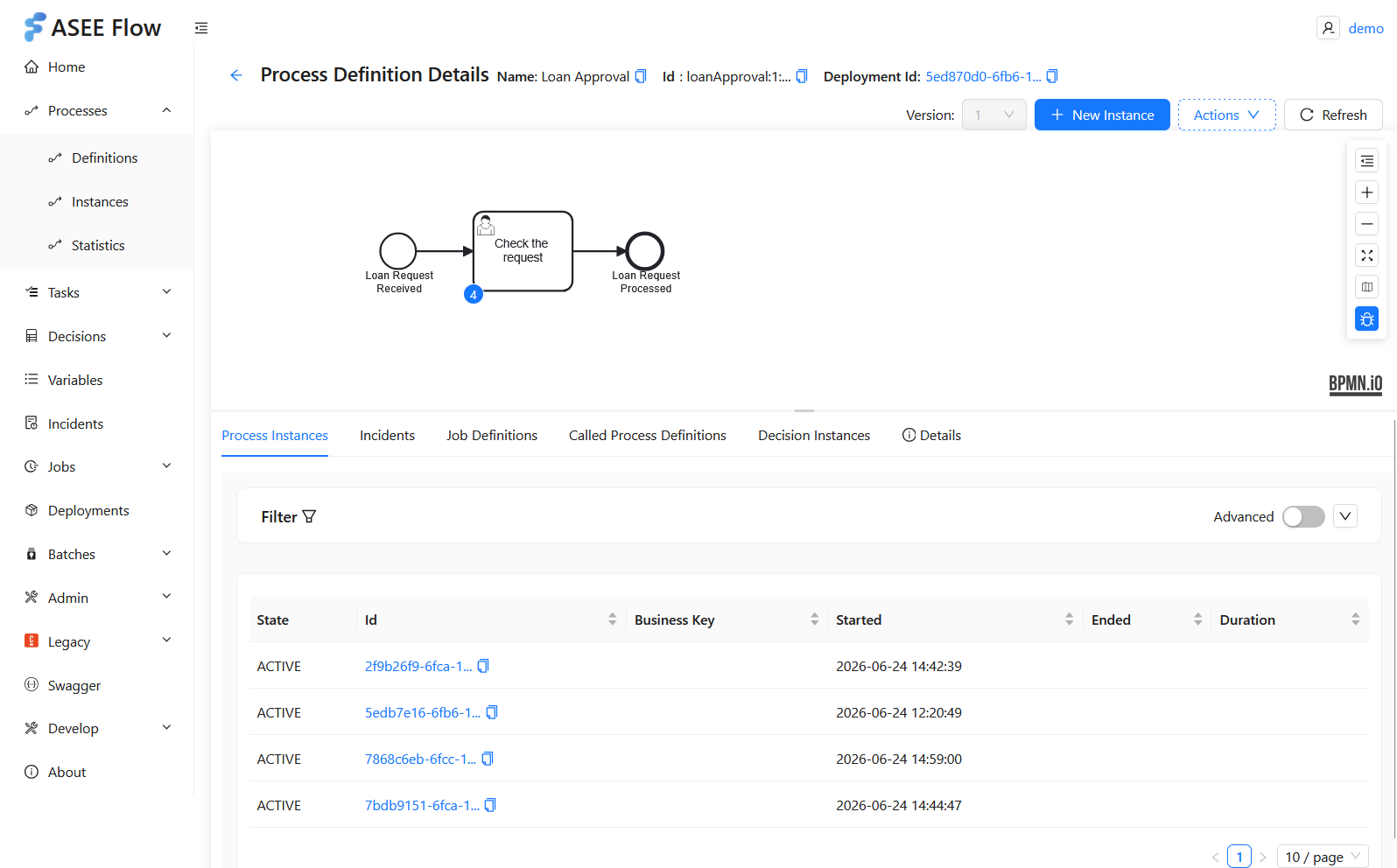
How it relates to ASEE Flow
WebAdmin builds on the ASEE Flow Spring Boot starters (aseeflow-bpm-spring-boot-starter-webapp, -rest, and -security). It consumes the engine’s REST API for all operations and bridges the engine’s Identity Service to your chosen authentication provider — including an optional Keycloak identity provider plugin for user and group synchronization.
Next steps
- Quick start — add WebAdmin to a Spring Boot app in about ten minutes.
- Configuration — the full property reference.
- Authentication — choose and configure an authentication mode.
- Deployment — Spring Boot JAR vs. WAR for Tomcat / WildFly.