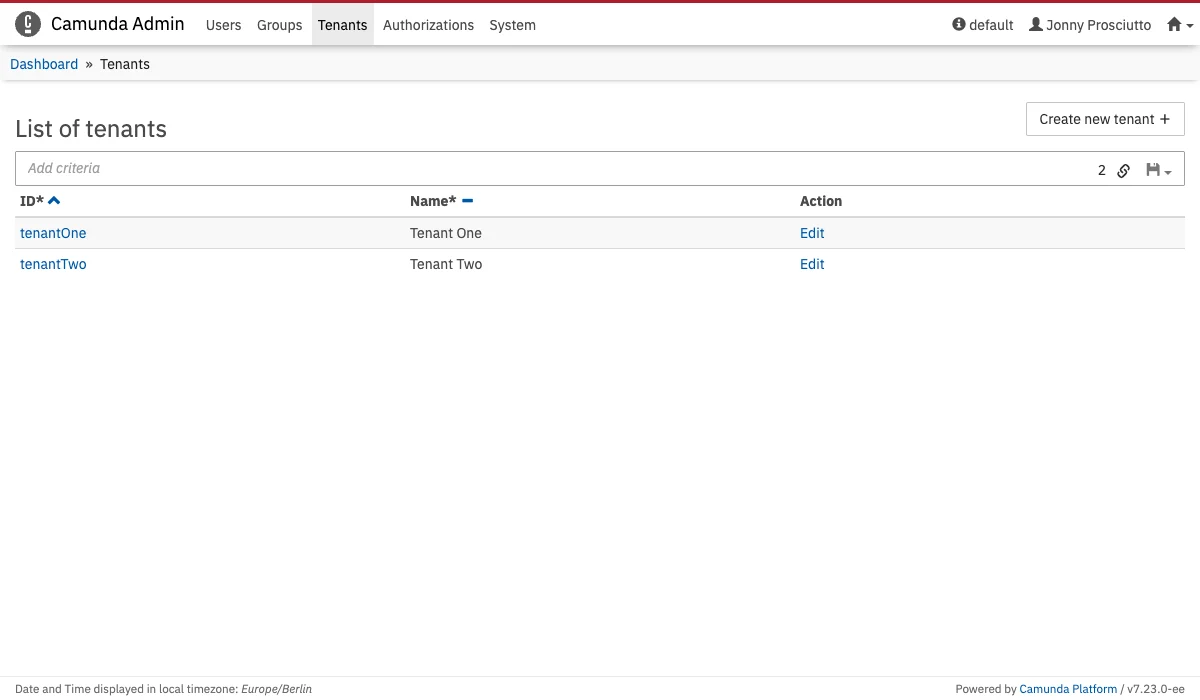
Tenants Menu

Tenants Menu The Tenants menu allows you to add, edit and delete tenants. Besides that you can view which user or group is a member of a tenant.

Create a new tenant

All you have to do to create a new tenant is:
  1. Click the Create new tenant button
  2. Type the Tenant Id and Tenant Name in the corresponding input fields
  3. Click the Create new Tenant button
This creates a new tenant.

Add an user to a tenant

To add an user to a tenant you have to go to the users account settings and click on the Tenants menu on the left side. In this menu you can click the Add to a tenant button and select the tenants where the user should be a member.

Add a group to a tenant

To add a group to a tenant you have to go to the group settings and click on the Tenants menu on the left side. In this menu you can click the Add to a tenant button and select the tenants where the group should be a member.