Enterprise FeaturePlease note that this feature is only included in the enterprise edition of ASEE Flow, it is not available in the community edition.
- which user performed an operation
- which operation was performed
- when the operation was performed
- which entities (process instances, tasks, etc.) were involved
- which changes were made
Operation Log in Cockpit
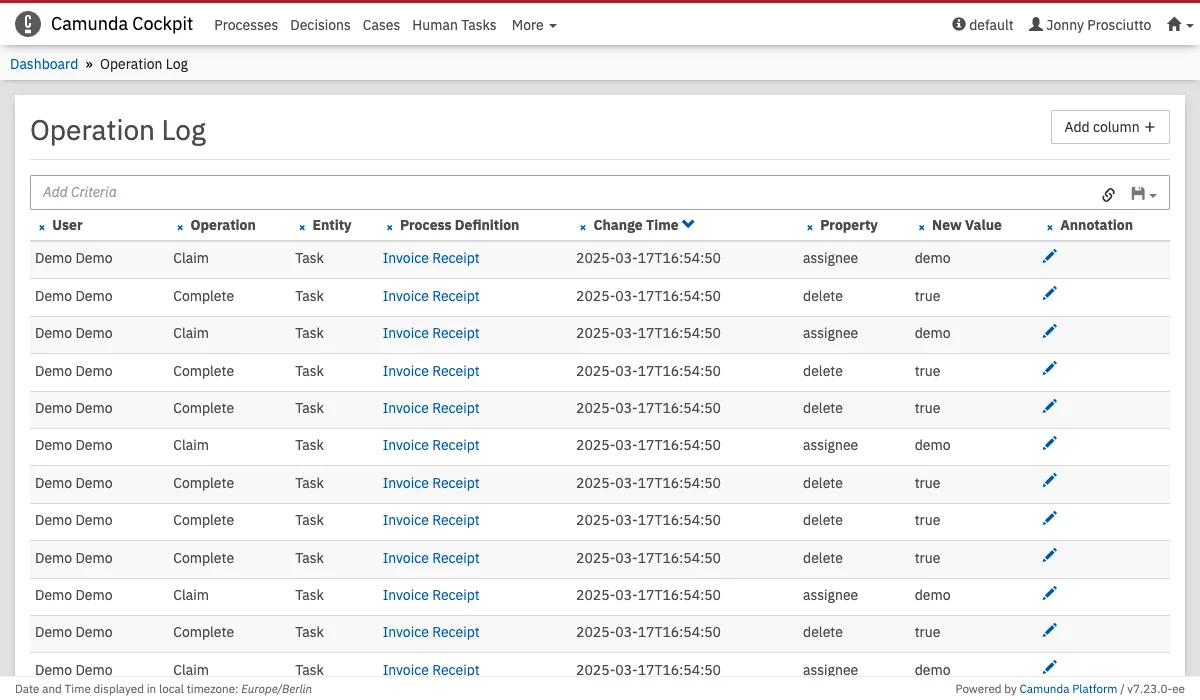
more option. The table is a representation of the history of various user operations, and it provides information about changes performed in the past. The rows are grouped by an operation to provide clear insights on the changes produced by each operation. Results can be filtered using the search bar at the top. You can add columns using the dropdown in the top right. They can be removed by clicking the next to the corresponding table header.
Operations by a specific User
To only display Operations performed by a specific User, click in the Search field and selectUser ID from the dropdown and enter the ID of the desired user. The user ID can be copied from a log entry by hovering over the name and clicking on the clipboard Icon.
Operations in a specific Timespan
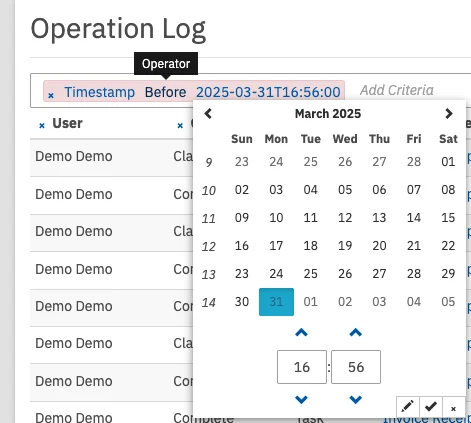
You can limit Results the time the operation occurred. Click in the Search field and selectTimestamp from the dropdown. You can now specify the date and time at which you want to cut off results. By clicking on the operator, you can select if you want results before or after the specified time. Add another Timestamp filter to specify a period.
Operations of a specific Type
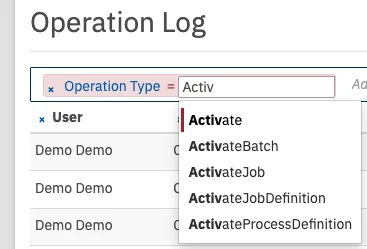
If you are only interested in a specific operation, for example, every time a process instance was manually modified, you can use theoperation filter. Select the desired operation from the dropdown or start to type the name to filter through the list. For a complete list of logged operations, check out History and Audit Event Log.
Annotating Operation Logs
For each operation, an annotation can be added to provide context. To do this, click on the for the operation you want to annotate. The maximum length of the annotation is limited by your database. The length can be configured in the Cockpit Configuration.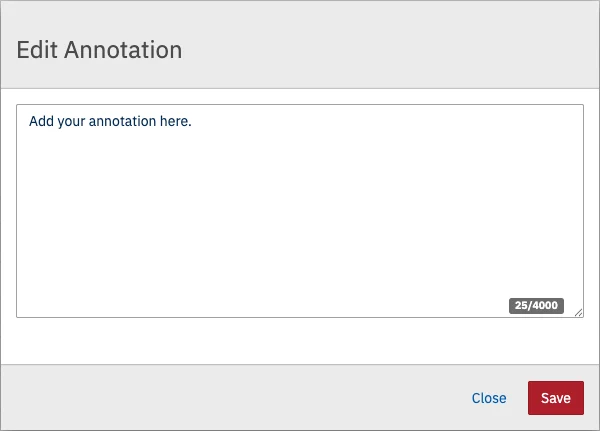
User Operation Log per Process