Enterprise FeaturePlease note that this feature is only included in the enterprise edition of ASEE Flow, it is not available in the community edition.
Cleanup State
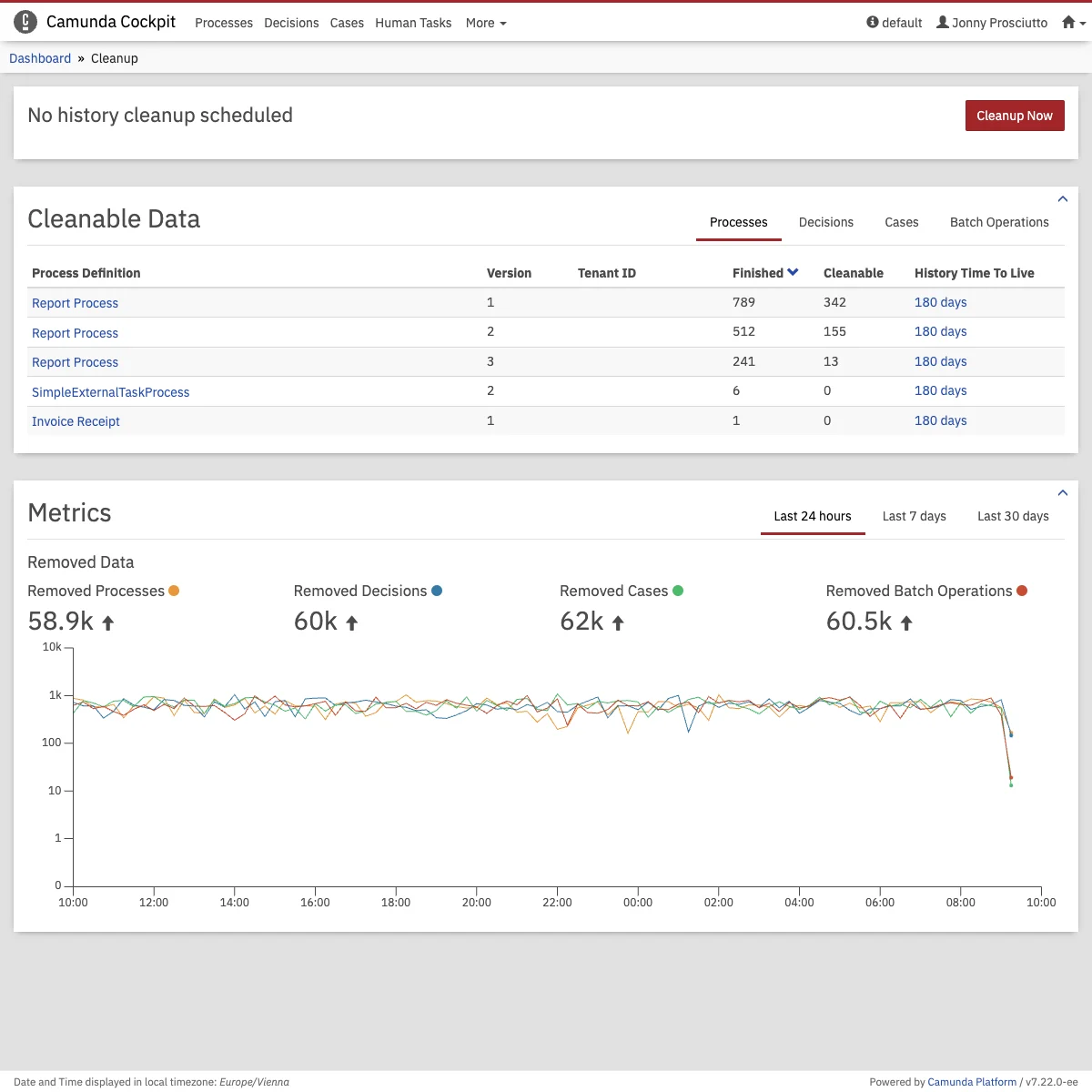
Information and operations related to the history cleanup vary on its state. If a history cleanup window is configured and scheduled, you can check out the remaining time for its start. Whether a window is scheduled or not, it is always possible to manually trigger a cleanup job. Furthermore, you can always be aware of any incident that occurred to the cleanup job, see its related stacktrace and retry it manually.
Cleanable Data Statistics
You can get more insights on the effectiveness of your configuration by checking statistics about the cleanable process/decision/case instances as well as batch operations. Data are filtered and sorted in a way to only show the most relevant data to history cleanup first, i.e. the rows with the most finished instances first.