Enterprise FeaturePlease note that this feature is only included in the enterprise edition of ASEE Flow, it is not available in the community edition.
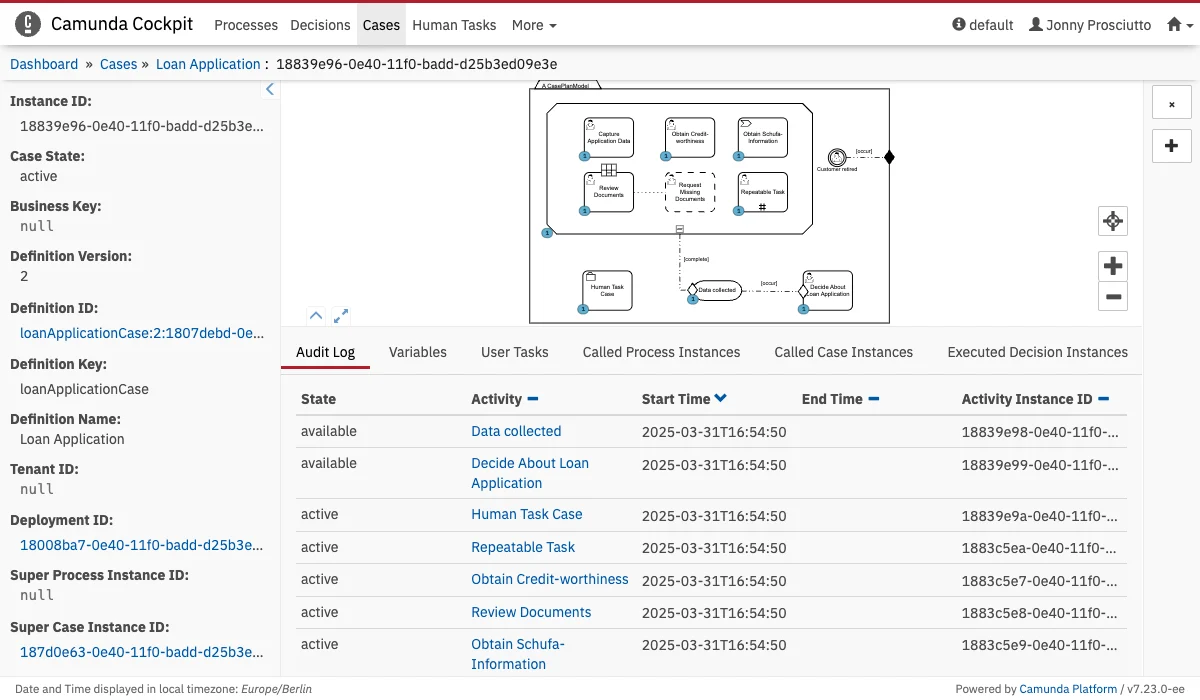
Detailed Information Panel
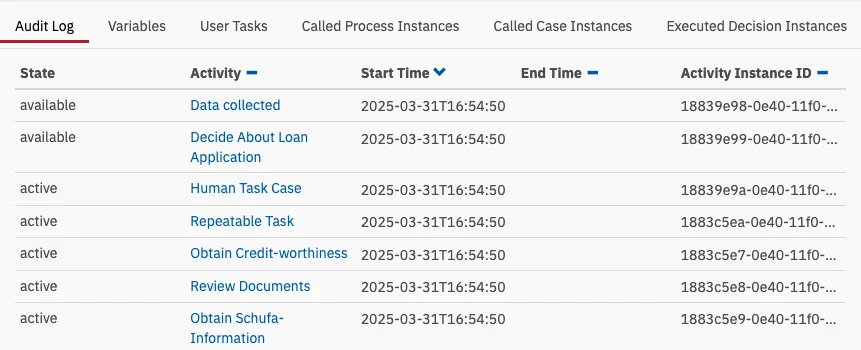
In the Audit Log you find a detailed overview of the activities that took place within the case instance, including start time, end time, activity instance ID and the current state. Variables
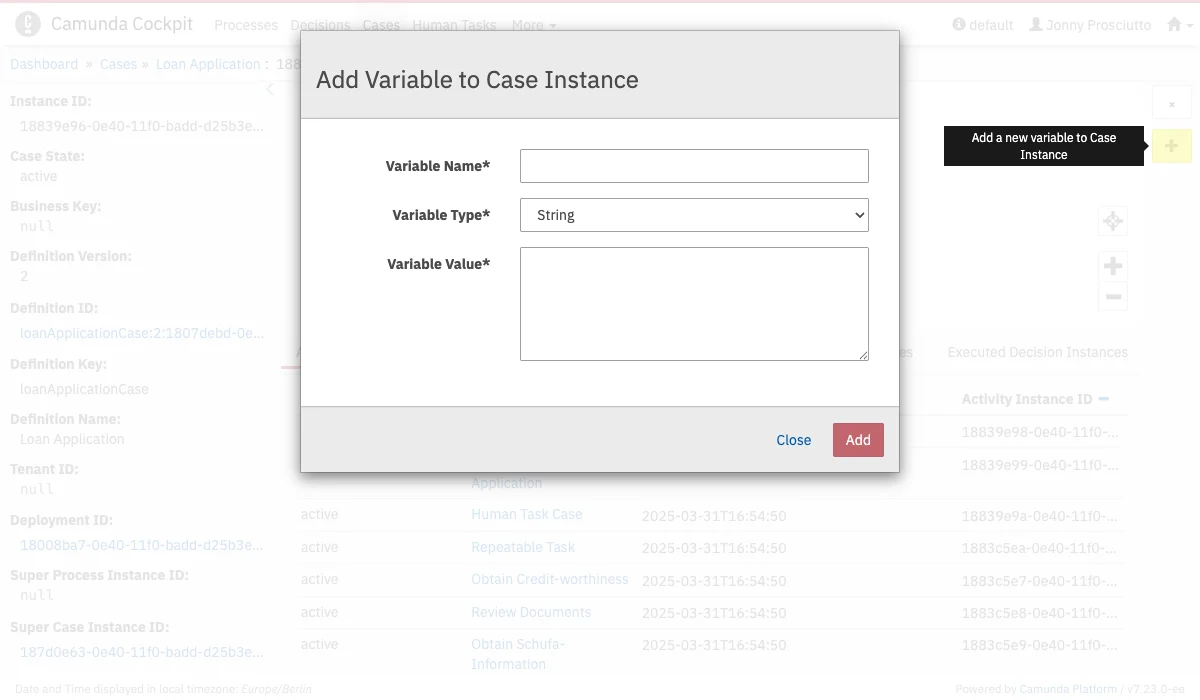
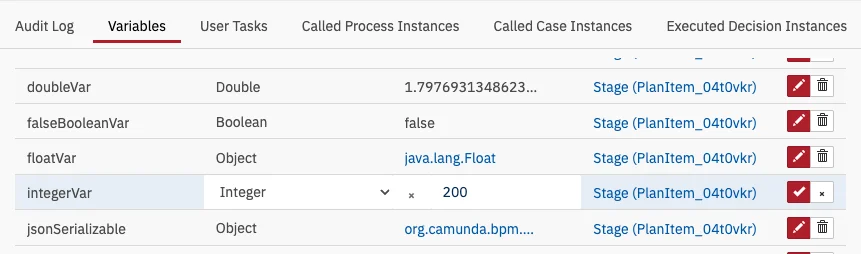
In the Variables tab you see an overview of the variables used within the case instances, including the name, last value, variable type and scope. Additionally, you can edit variables. User Tasks
In the User Tasks tab you find an overview of all the user tasks related to this case instance and the details of the specific user tasks, such as the activity, the assignee, owner, creation date, completion date, the duration, due date, follow up date, priority of the user task and the unique task ID. Called Process Instances
In the Called Process Instances tab you find an overview of all process instances which were called in this case instance. Clicking on the ID of the process instance will take you to the process instance view page of the respective instance. Clicking on the process definition key will take you to the process definition page of the definition for the respective process instance. Called Case Instances
In the Called Case Instances tab you find an overview of all the case instances which were called in this case instance. Clicking on the ID of the case instance will take you to the case instance view page of the respective instance. Clicking on the case definition key will take you to the case definition page of the definition for the respective case instance. Executed Decision Instances
In the Executed Decision Instances tab you find an overview of all decision instances which were evaluated in this case instance. Clicking on the ID of the decision instance will take you to the decision instance view page of the respective instance. Clicking on the decision definition key will take you to the decision definition page of the definition for the respective decision instance.
Add Variables
Edit Variables
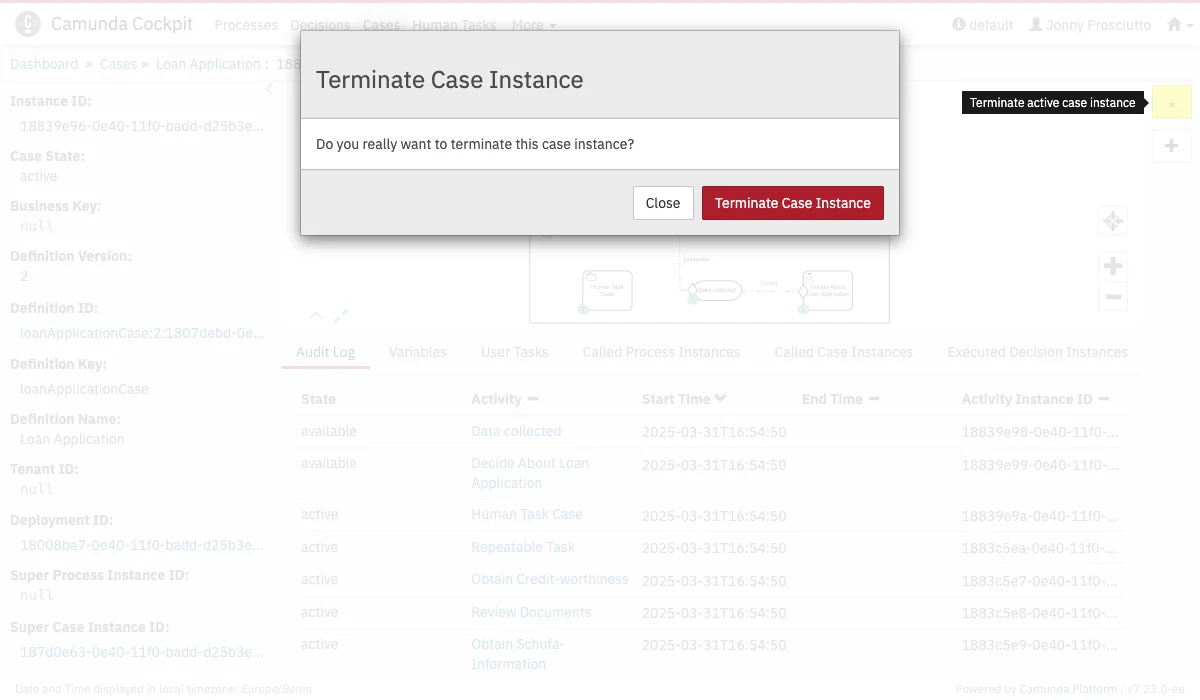
Terminate a Case Instance