

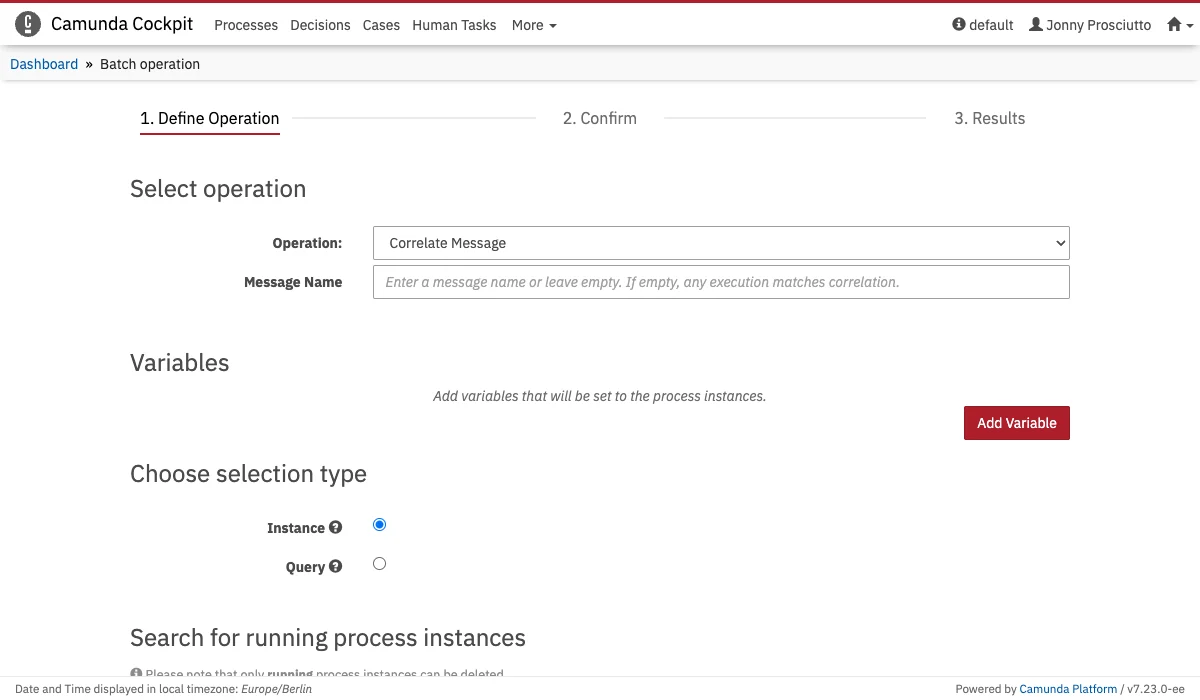
- Message Name
Enter a message name or leave empty. If empty, any execution matches the correlation. - Variables
Add variables that are set into the root scope of the process instances. - Process Instances
Select a set of process instances via the checkboxes or by defining query criteria.
Process Action
You can find a (envelope icon) button on the right side next to the BPMN diagram on the process definition and instance view.
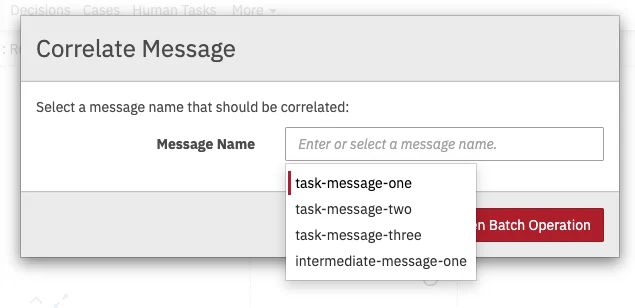
Diagram Overlays
You can open the modal dialog prefilled with the message name by clicking the (envelope icon) button in the upper right corner of a message-catching flow-node. To make the button visible, hover over a message-catching flow-node.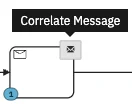
Known limitationsNot all message-catching flow-nodes in a BPMN diagram are covered with overlays or are present
in the list of message name suggestions in the modal dialog.This is the case when (1) a flow-node is a process instance Start Event or (2) the message name contains an EL expression.